IT Equipment Relocation: Moving Servers, Network Gear and Workstations
IT equipment relocation is the move of a company's computing hardware to a new site: servers and racks, switches and routers, storage arrays, phones, workstations and printers. The task is not only to carry it safely but to keep track of every cable, port and asset so the systems come back up as they were.
Describe the job and add your city. Free to request, no obligation.
Planning decides the outcome. Your IT staff or provider needs shutdown and power-up windows, a cable map, the order in which systems come back and a plan for the internet connection at the new site. The movers handle labelling, padding, lifting and transport, usually with a person from your own team on site.
Data security is part of the job. Equipment holding company or client data should move in a controlled way, with an inventory and, where required, sealed or tracked transport. Tell the specialist what is moving and how sensitive it is.
What the work includes
- Inventory of equipment with asset tag or serial number where required
- Labelling of cables, ports and racks before disconnection
- Padding and anti-static protection for sensitive hardware
- Rack lifting and moving using appropriate equipment
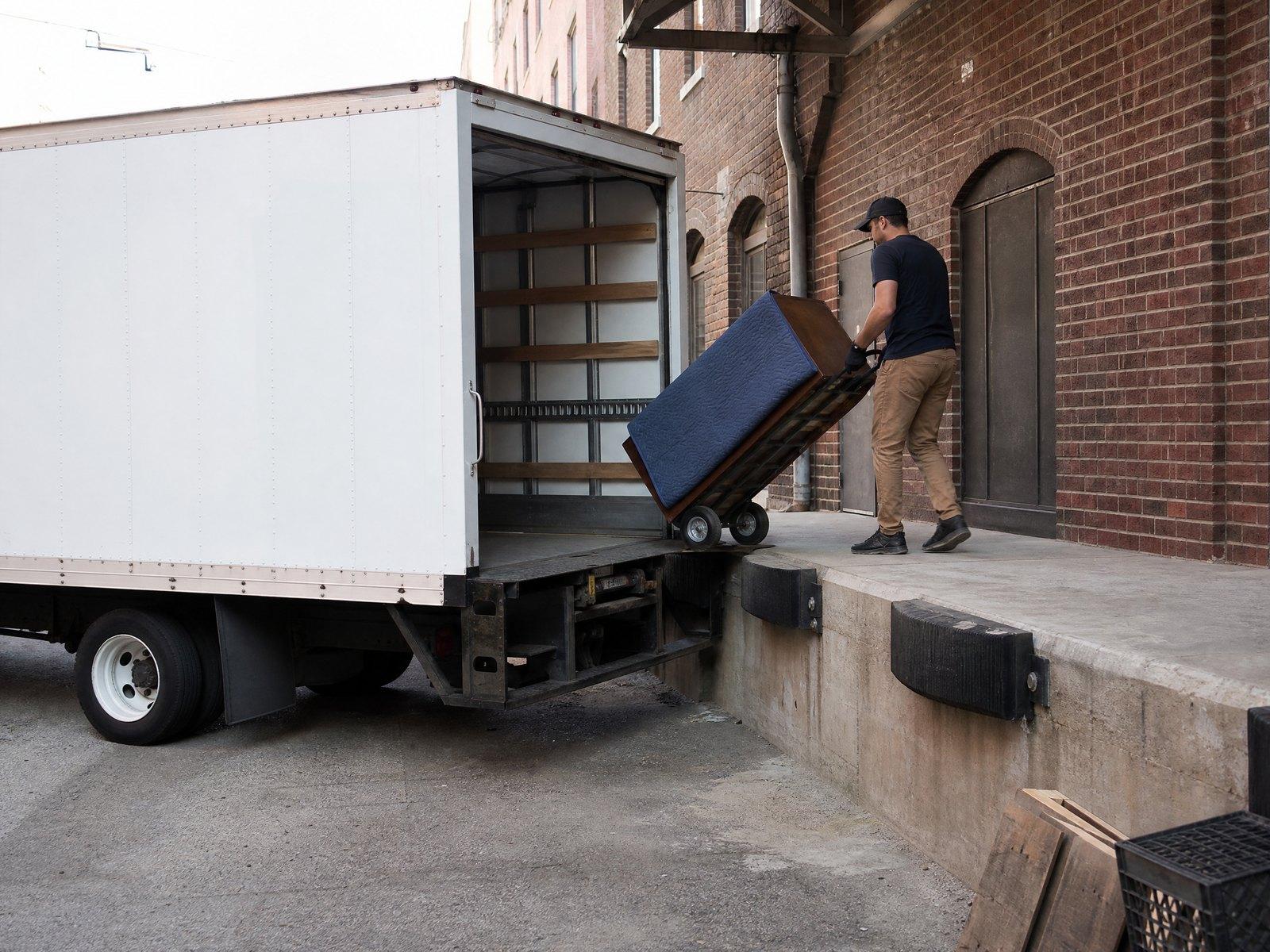
- Transport in a vehicle dedicated to the move, where specified
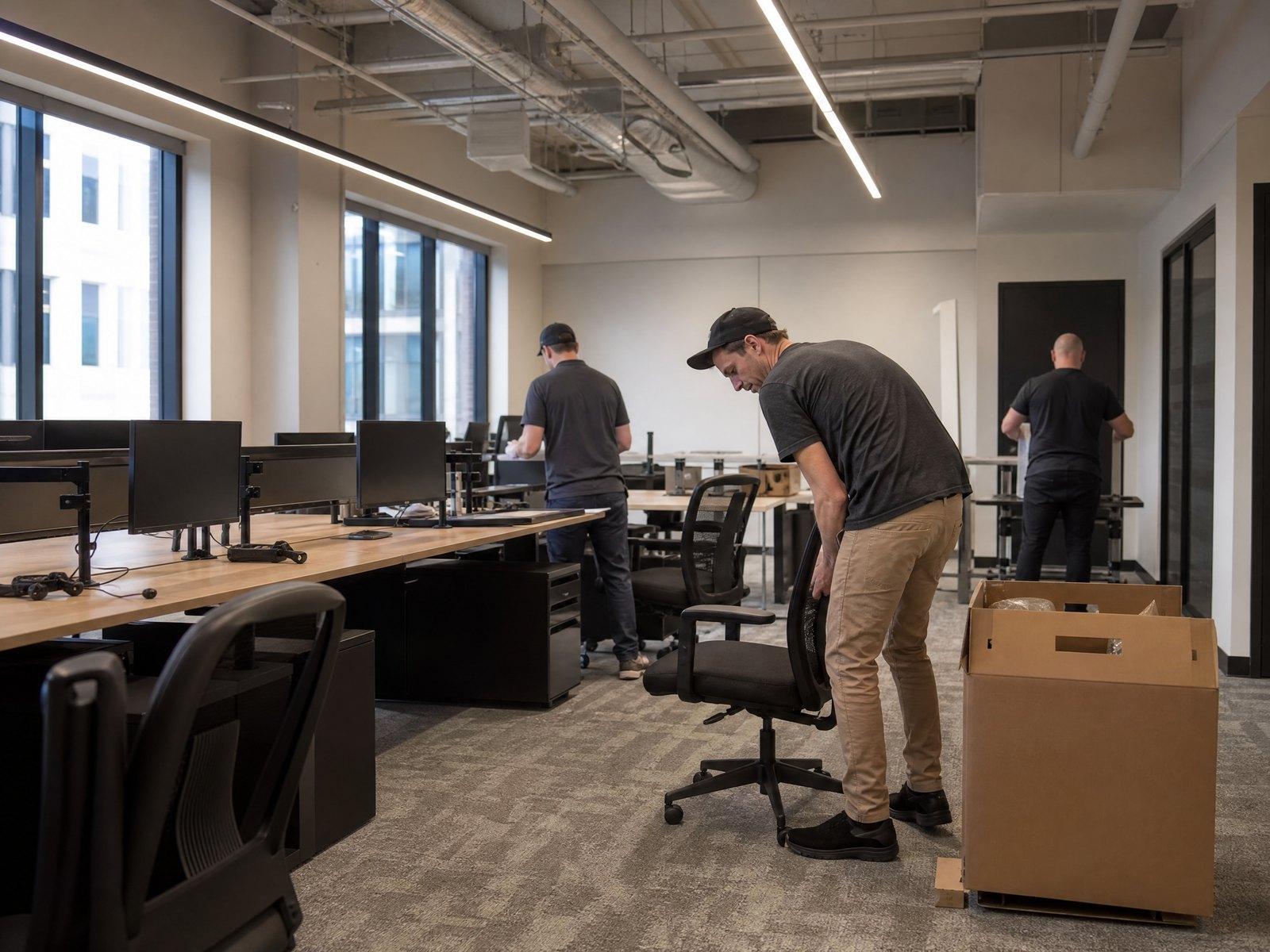
- Placement in the new server room or at workstations
- Coordination of shutdown and power-up windows with your IT team
- Removal of packing materials and empty racks
Signs IT needs its own move plan
A server room or data closet is changing buildings
The move date depends on a new internet connection being ready
Servers or storage hold sensitive or client data
Dozens of workstations need to be disconnected and reconnected in order
Equipment is aging and a hard drive failure on arrival would be costly
How the work goes, step by step
Equipment list
Send a list of racks, servers, network gear and workstations, plus photos of the room and cabling.
Plan with your IT team
A specialist works with your technical staff to set shutdown, transport and power-up timing.
Written quote
The quote states handling, labelling, transport, security measures and what is left for your IT team.
Move day
Equipment is disconnected, labelled, padded, moved and placed according to the plan.
Check and handover
Your team powers up and tests, and the movers confirm the inventory arrived.
What changes the price
- Number and weight of racks
- Full racks and heavy storage arrays need lifting equipment and more crew.
- Asset tracking
- Detailed inventory with serial numbers or tags adds time but improves accountability.
- Access
- Server rooms on upper floors, narrow doors and limited elevators change the handling.
- Downtime window
- A short shutdown window may call for more crew working in parallel.
- Security requirements
- Sealed transport, escorted moves and chain-of-custody records add steps.
- Reinstallation
- Placing and cabling equipment at the new site is separate from carrying it.
What a good quote spells out
- The shutdown and power-up windows, and who is on site from your side
- How equipment is tracked and checked in on arrival
- What coverage applies to the hardware in transit, in writing
- Whether the vehicle and route are dedicated to the move
- Who re-cables and tests the equipment at the new site
IT Equipment Moving: questions people ask
Can movers move servers safely?
Yes, with proper padding, rack handling and labelling. Plan the process with your own IT staff, since they will need to shut down and bring systems back up.
Who reconnects the equipment?
That is usually your IT team or provider. Movers can place the equipment, and cabling can be added to the scope if agreed.
Should backups be done before the move?
Yes. Take full backups and check them before the move, regardless of who is carrying the hardware.
How is data security handled?
By inventory, controlled transport and limiting who has access. Tell the specialist how sensitive the data is so the plan can match.
Other Mobilix services
Have a Move Coming Up? Let's Plan It.
Tell us about the move and add floor plans or photos if you have them. We review every request, and a specialist who serves your area follows up in writing with a move plan and a free quote.
Request a free quote →